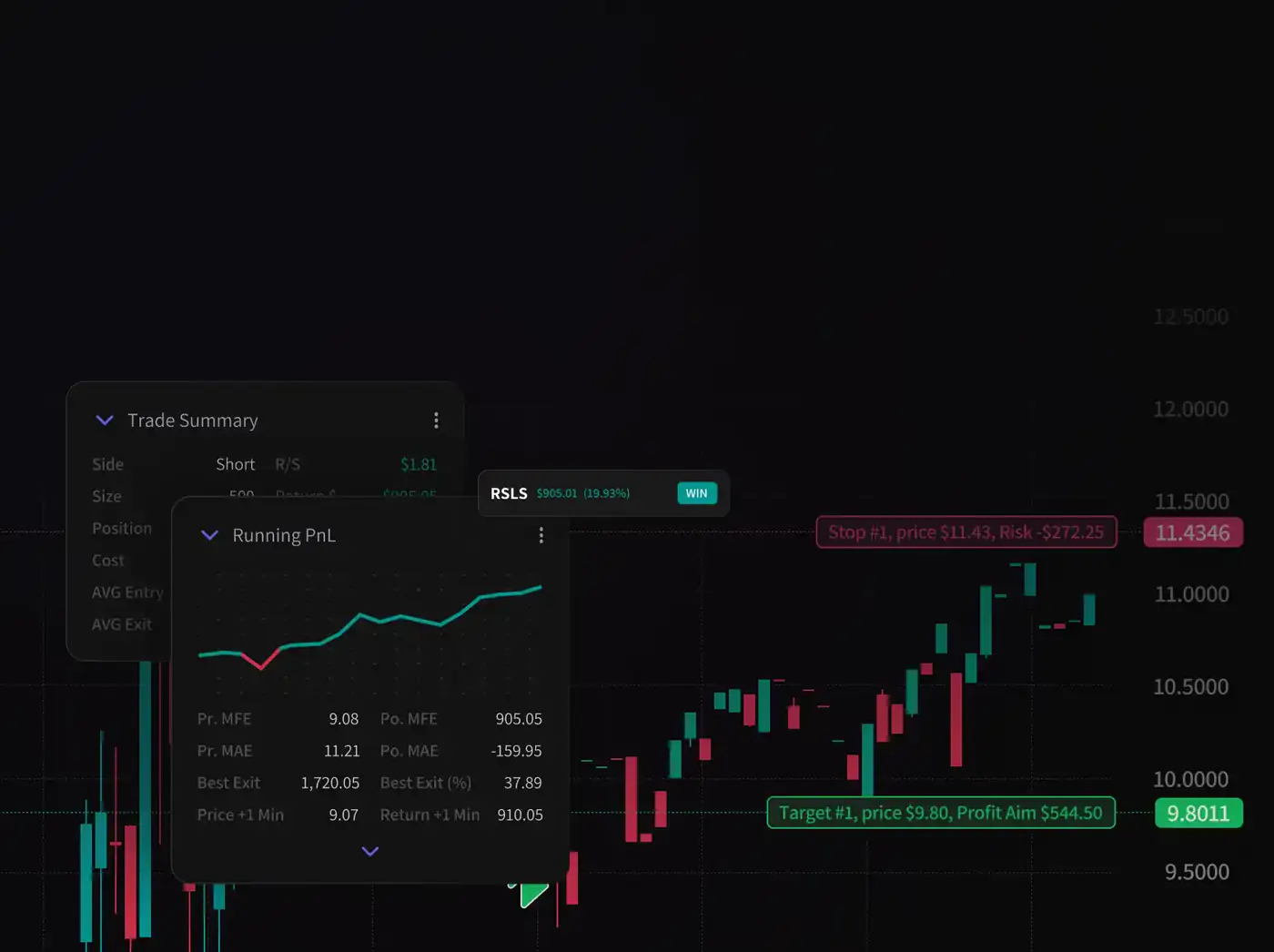
TraderSync is a professional trading journal built for traders who review every session instead of guessing why P&L drifted. Connect supported brokers, import fills automatically, tag setups, and break performance down by hour, symbol, strategy, and behavior so you can see which edges are real and which habits are expensive.
Beyond basic win-rate charts, TraderSync markets deeper analytics, strategy checkers, trade replay (finer granularity on higher plans), and AI coaching (Cypher) that highlights patterns after enough trade history. Prop firms and serious retail traders use it when spreadsheet journals stop scaling — especially once you trade multiple accounts or need consistent tags across stocks, options, futures, and forex imports.
Here is what you actually get, and what code SAVEONTRADING changes at checkout.
1. What it does
There is no permanent free tier on current pricing; the usual on-ramp is a short free trial of top-tier features, then choose Pro, Premium, or Elite. The point of the product is process: import → tag → review → change rules — not another signal feed.
Check it out here: TraderSync
2. What you can do with it
Tagging discipline matters more than any chart. Untagged imports become vanity dashboards; tagged imports become a coaching tool.
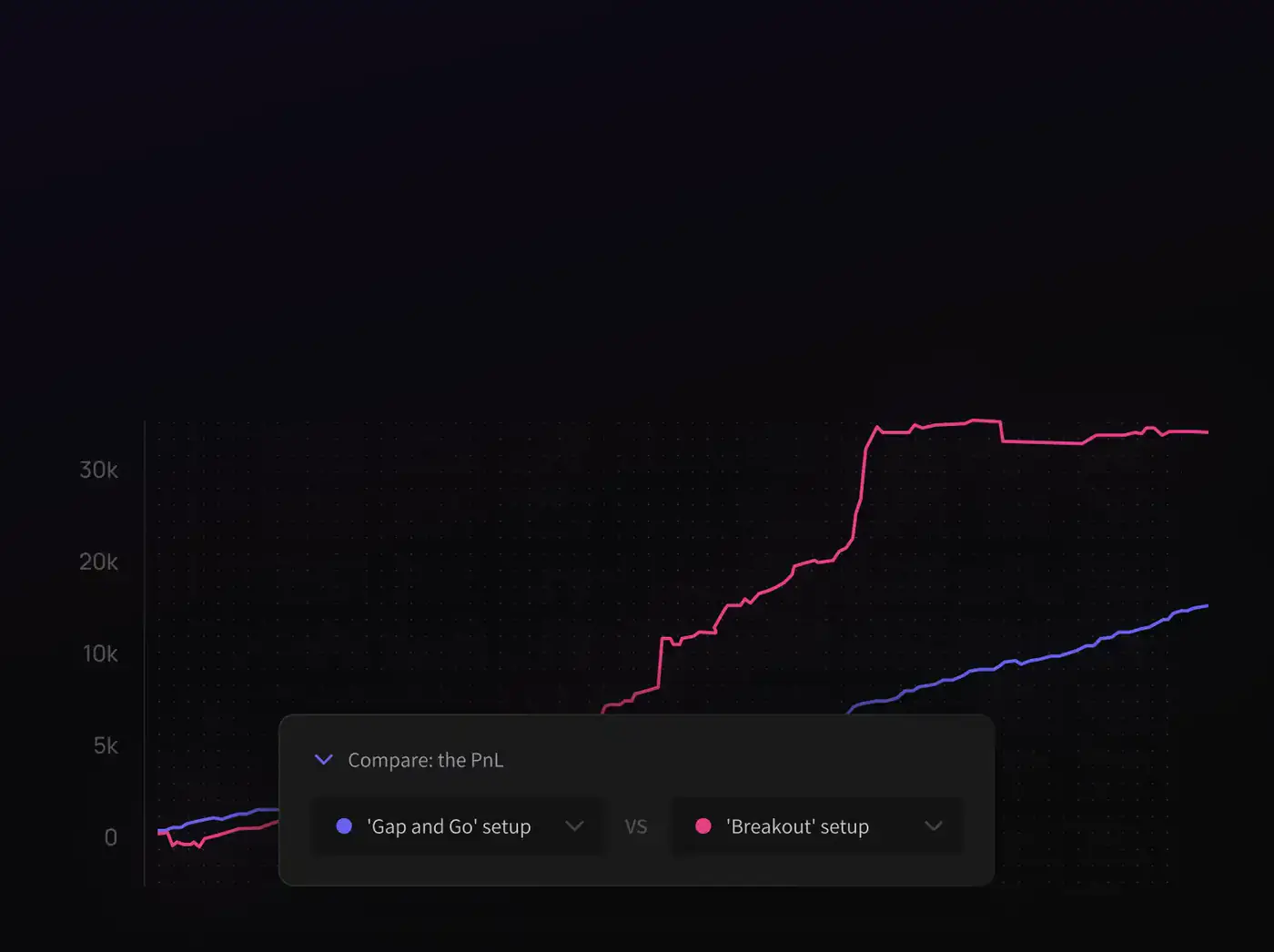
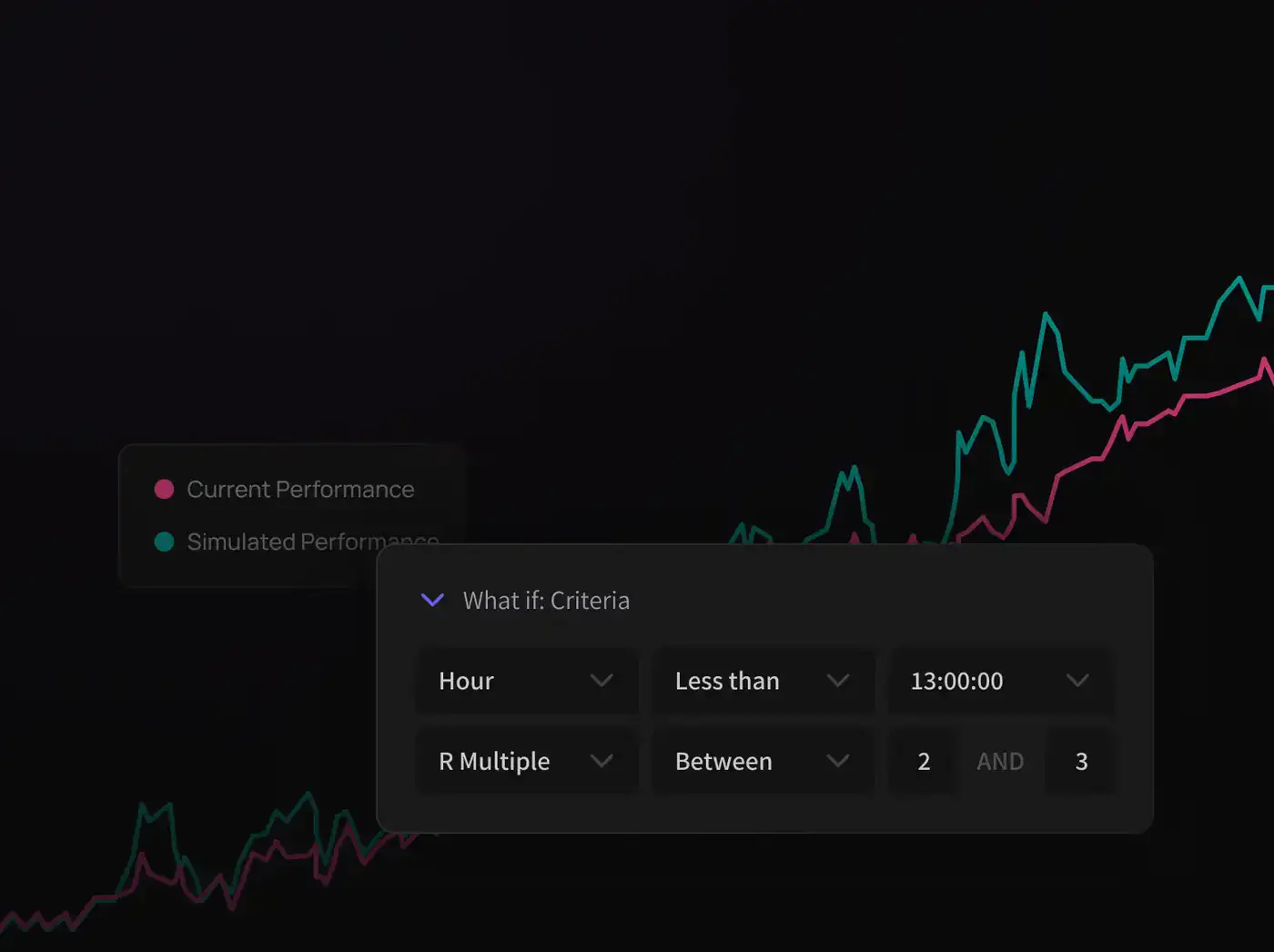
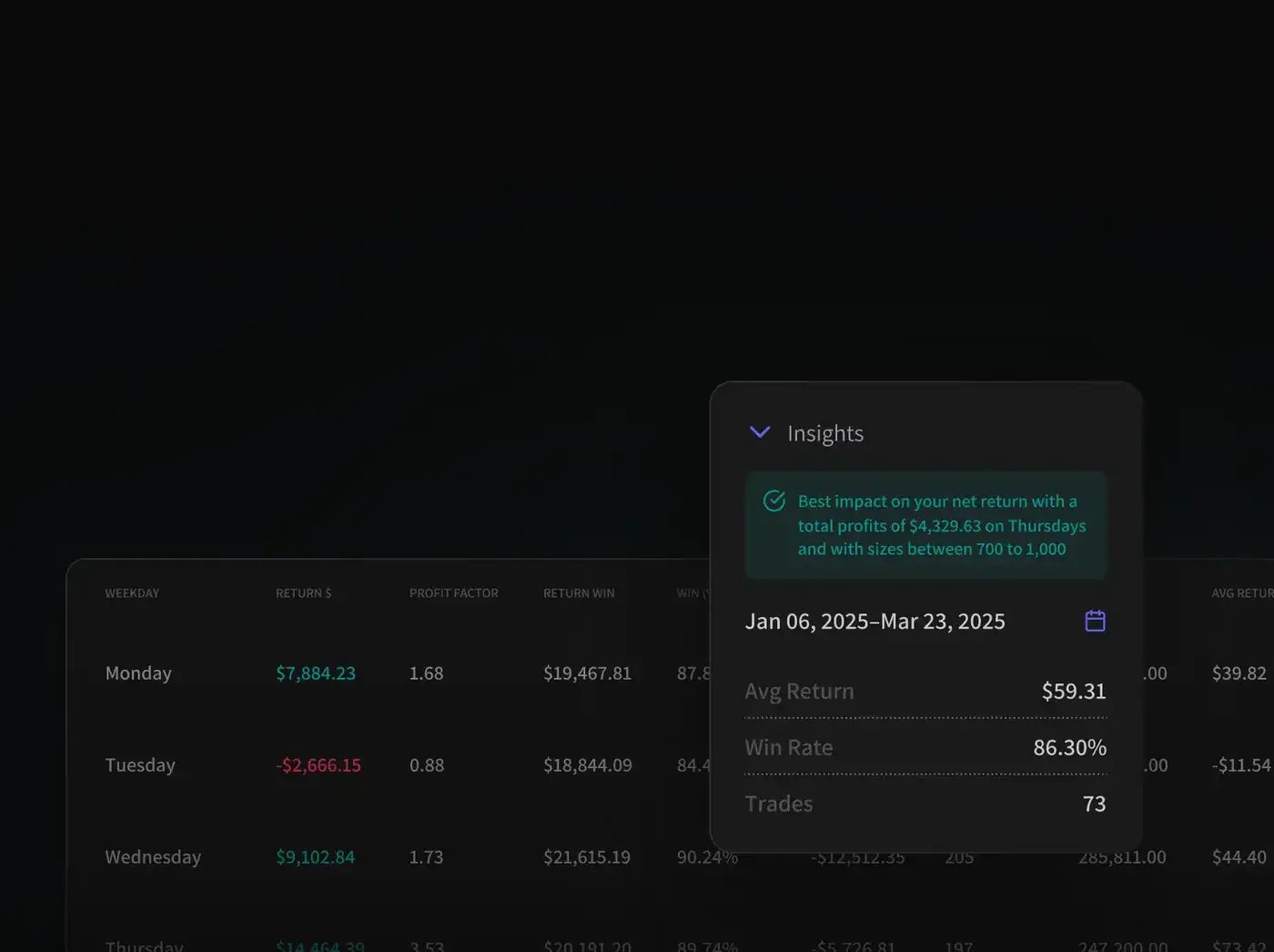
Check it out here: TraderSync
- Broker auto-import: pull fills from supported brokers and file types instead of typing every execution.
- Deep analytics: filter stats by tag, time of day, symbol, setup, and custom periods.
- Trade replay: review charts with execution markers; finer replay resolution unlocks on higher tiers.
- AI coaching (Cypher): daily message limits and coaching depth scale by plan.
- Strategy Checker & playbooks: test whether your labeled strategies are actually working.
- Multi-account journaling: account caps rise from Pro limits to unlimited on Premium/Elite.
3. What it costs
Save 20% on TraderSync with code SAVEONTRADING through our partner link.
From TraderSync’s pricing page (confirm live; annual billing saves about 25%):
A 7-day free trial (no card on many flows) is commonly offered. Apply code SAVEONTRADING through our partner link for 20% off .
Save 20% on TraderSync with code SAVEONTRADING through our partner link. Start the trial, import a real sample of trades, then apply the code when you subscribe so the discount lands on the plan you actually use.
Prices move. The number on their checkout page is the one that counts.
- Copy SAVEONTRADING.
- Open TraderSync from this page, so the visit is tied to the offer.
- Paste SAVEONTRADING at checkout and confirm the total.
Check it out here: TraderSync pricing
Who it's for
Day traders, swing traders, and funded/prop traders who journal daily and need broker-synced stats. Multi-strategy traders who must break results down by setup tag. Less useful if you only want a social feed of other traders’ P&L or if you refuse to tag and review.
If you are comparing it
TraderSync competes directly with Tradervue and TradeZella in the trading-journal category. TraderSync’s pitch is deeper analytics and AI coaching; Tradervue is the long-standing default for clean imports/tagging; TradeZella leans modern UI and playbooks. Also compare Financial Tech Wiz Trading Journal if you want another AI-review option.
Decision rule: import 30–50 real trades into two journals during trial weeks. Whichever makes your mistakes obvious faster is the right subscription.
Thank you for reading.
— SaveOnTrading
P.S. The code is SAVEONTRADING. It is 20% off. Confirm the live total at checkout. Open TraderSync.
/ FAQ
Common questions about TraderSync
7 questions